
The Scenario
When Elena opened her bookkeeping practice, she assumed a professional website meant paying a developer $3,000. Instead, she spent one weekend with a website builder: picked a template for professional services, wrote her own copy, and launched a clean site with a contact form. A year later, she has upgraded the design twice and never paid anyone a cent for the site itself.
The website barrier fell years ago. Here is how non-technical owners build real sites now.
Who This Guide Is For
This is for business owners who need a professional web presence and believe it requires technical skills or a big budget. If you run a store, combine this guide with the e-commerce option that fits - the fundamentals are the same.
The Options
Hostinger: the budget home base
Hostinger bundles cheap hosting, a free domain on many plans, and an AI website builder that generates a first draft from a few questions. It is the lowest-cost way to own your domain and hosting, and it installs WordPress in one click if you want the full CMS later.
Best for: owners who want the cheapest solid setup and may grow into WordPress.
Wix: the total-design-freedom builder
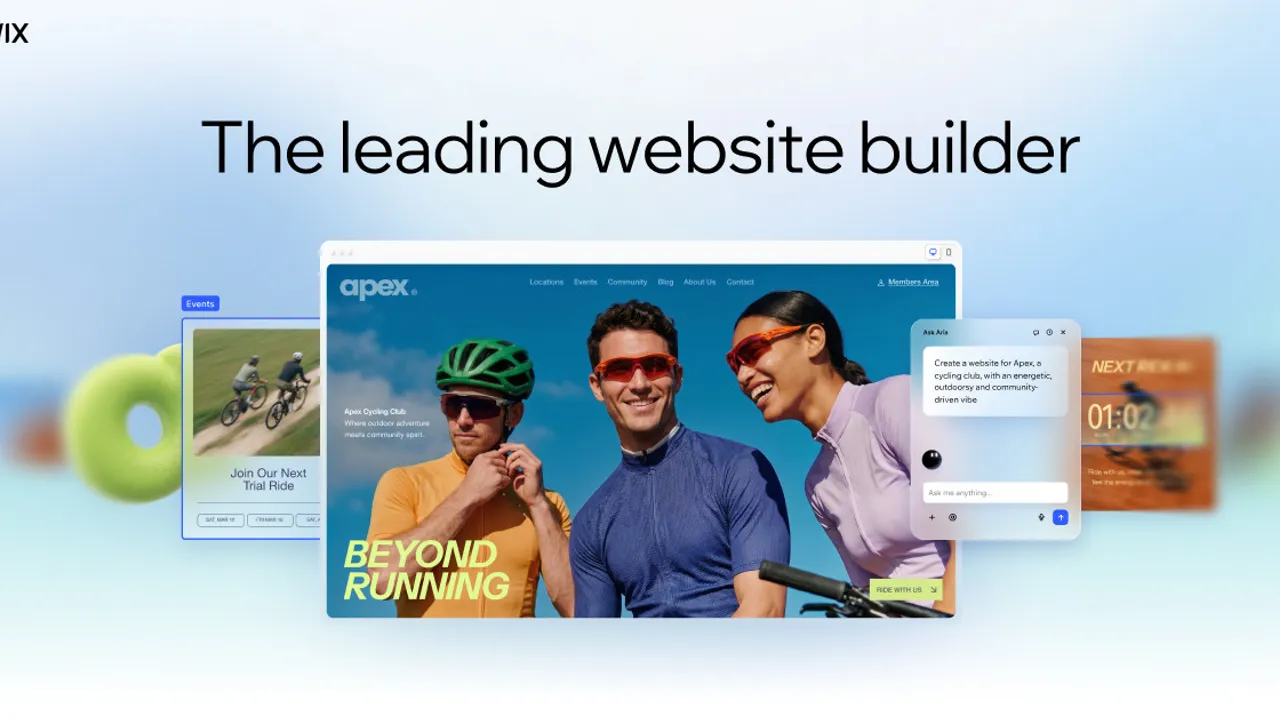
Wix gives you true drag-and-drop control - place every element where you want it - plus hundreds of templates and an app market for booking, stores, and forms. The flexibility is the feature, and the AI site generation speeds up the first version.
Best for: owners who want to design every detail and add apps as they grow.
Squarespace: the polished template
Squarespace is known for consistently beautiful templates, all-inclusive pricing, and low maintenance. For photographers, coaches, consultants, and service businesses where design matters, it is the fastest path to a site that looks professionally designed.
Best for: design-conscious service businesses that want polish with minimal fiddling.
WordPress: the full control platform
WordPress powers a huge share of the web and offers unmatched control, plugins, and SEO tools. The tradeoff is more upkeep - updates, backups, and plugin choices. For content-heavy sites and blogs, it is worth the learning curve; for a simple business site, a builder is easier.
Best for: content sites, blogs, and owners who want total control - the platform behind our blogging guide.
The Weekend Build
- Saturday morning: Pick the platform and register your domain.
- Saturday afternoon: Choose a template and set up the four core pages - Home, About, Services, Contact.
- Sunday morning: Write the copy in plain language: who you help, what you do, how to reach you. A contact form and your phone or email on every page.
- Sunday afternoon: Add photos, connect your booking or payment tools, and launch. A clean first version beats a perfect one that never ships.
What Not to Overpay For
- A developer for a template site. If your business fits a standard template - most do - the builder is the right tool.
- Custom features before customers. Booking, payments, and galleries have standard tools; do not build custom until the standard tools genuinely limit you.
- Premium plugins and apps you will never use. Start with the included features.
- Letting the site rot. A website is a living asset - update the copy, refresh the photos, and keep the details current at least twice a year.
What to Buy
Start with Hostinger for the cheapest domain and hosting, and choose your builder: Wix for design freedom, Squarespace for polish, or WordPress for full control. Build the four core pages in a weekend, launch, and improve in small batches. Your competitors’ websites were not built by wizards - they were built on the same templates, by owners who started a weekend earlier than you.