
The Scenario
For years, Malik assumed course creators needed a large audience before selling anything. He watched creators with 100,000 followers launch courses while he sat on expertise he had built as a construction estimator - a niche, boring, and genuinely valuable skill. Then he found a small community of estimators asking the exact questions he could answer, and he sold his first cohort of eleven students with zero followers.
The audience is not the starting point. The problem is.
Who This Guide Is For
This is for experts without followers who want to sell a course, and for creators who have been waiting to “build an audience first.” If you already have a following, this guide still helps - the process just gets easier.
The No-Audience Launch Sequence
Step 1: Find the hungry few
Your audience is not “everyone interested in your topic.” It is the specific group with the specific problem you can solve. Search for where they gather: professional groups, niche forums, community pages, industry Slack and Discord servers. Lurk first, then help genuinely - answer questions, share resources, and note the questions that come up repeatedly.
Step 2: Validate with the smallest offer
Before you build anything, offer a live workshop or a short coaching call based on the problem. Ten people who pay $25 for a workshop prove more than a thousand “interested” comments. If you cannot sell the workshop, you do not have a course problem - you have an offer problem.
Step 3: Build the smallest course
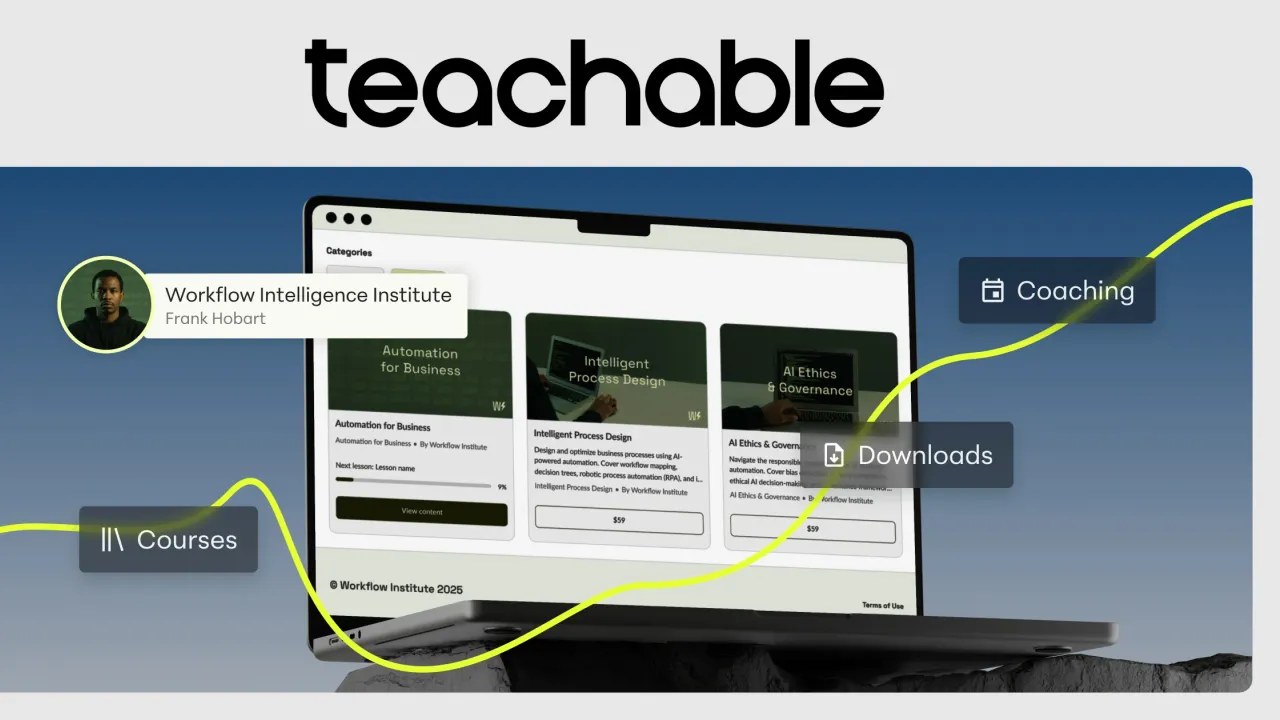
Record 4 to 6 lessons that deliver one outcome. Short videos, one worksheet, one clear process. Use Teachable - it handles hosting, checkout, and student access without any technical work. Do not wait for perfect production; your expertise is the product.
Step 4: Sell to the community you helped
Offer an early-bird price to the community where you have been genuinely helpful. Personal messages to the people you have already helped convert far better than announcements to strangers. This first cohort is your proof, your revenue, and your testimonial engine.
Step 5: Turn results into an audience
Ask the first students for testimonials and results. Publish those results - that is your audience-building content. People follow creators with proof, and proof is exactly what you have now. Use Zoom for live cohorts and Q&A sessions that create the community feel students value.
A 14-Day Launch Plan
If you want a concrete calendar, here is a compressed version:
- Days 1-3: Pick the community where your buyers actually gather and spend one hour a day answering questions there.
- Days 4-5: Run a live workshop or group call for the people you helped, priced low enough to test willingness to pay.
- Days 6-8: Record the 4 to 6 lessons using the questions from the workshop; screen-recorded slides are fine.
- Days 9-10: Set up the course on Teachable, upload the lessons, and write a simple sales page that names the problem and the outcome.
- Days 11-13: Offer early-bird enrollment to the workshop attendees and the people you helped, with a small cohort cap.
- Day 14: Hold the first live Q&A, collect the wins, and write your first testimonial request.
Fourteen days from idea to first students is realistic when the course is small, specific, and aimed at a group you already helped. The launch creates the audience - it does not wait for one.
When to Upgrade to an All-in-One Platform
If the course grows into a real business with email, landing pages, and membership tiers, Kajabi bundles everything in one subscription. For the first course, it is overkill - Teachable plus a simple email tool covers you for far less.
What Not to Overpay For
- Expensive course creation courses. The best education is one sale, one delivery, and one iteration.
- Professional video production for version one. A clear voice and a screen recording outsell a slick video with thin content.
- Building for months before selling. The smallest sellable version is a few lessons - launch it and improve.
- A platform subscription before validation. Free or pay-as-you-go options exist; upgrade when revenue justifies it.
What to Buy
Build your first course on Teachable, run live sessions and student calls on Zoom, and consider Kajabi only when the business outgrows the simple stack. Then find the hungry few, sell the workshop, and build the smallest course that delivers the outcome. Your first students are out there - they are just not following you yet.